Augmentor
A downloadable tool for Windows
* During the Beta period, Augmentor is available for free. Download via the "Download Demo" link at the bottom of the page.
Augmentor is a multi-feature utility for all Affinity applications: Photo, Designer, Publisher V1 & V2, and Affinity V3. It enhances Affinity's accessibility and functionality by improving the UI experience, adding new control options, and expanding interoperability with other software.
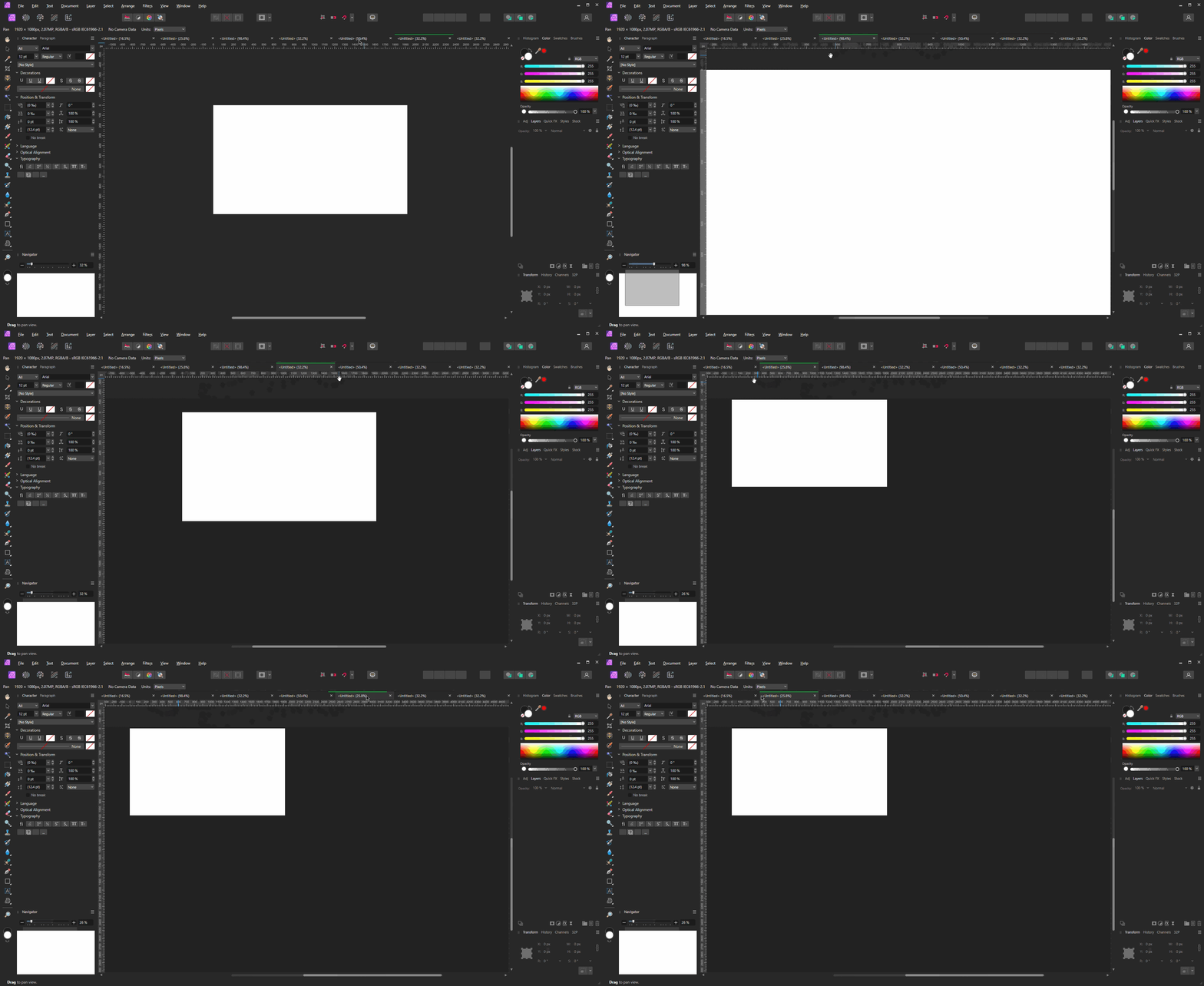
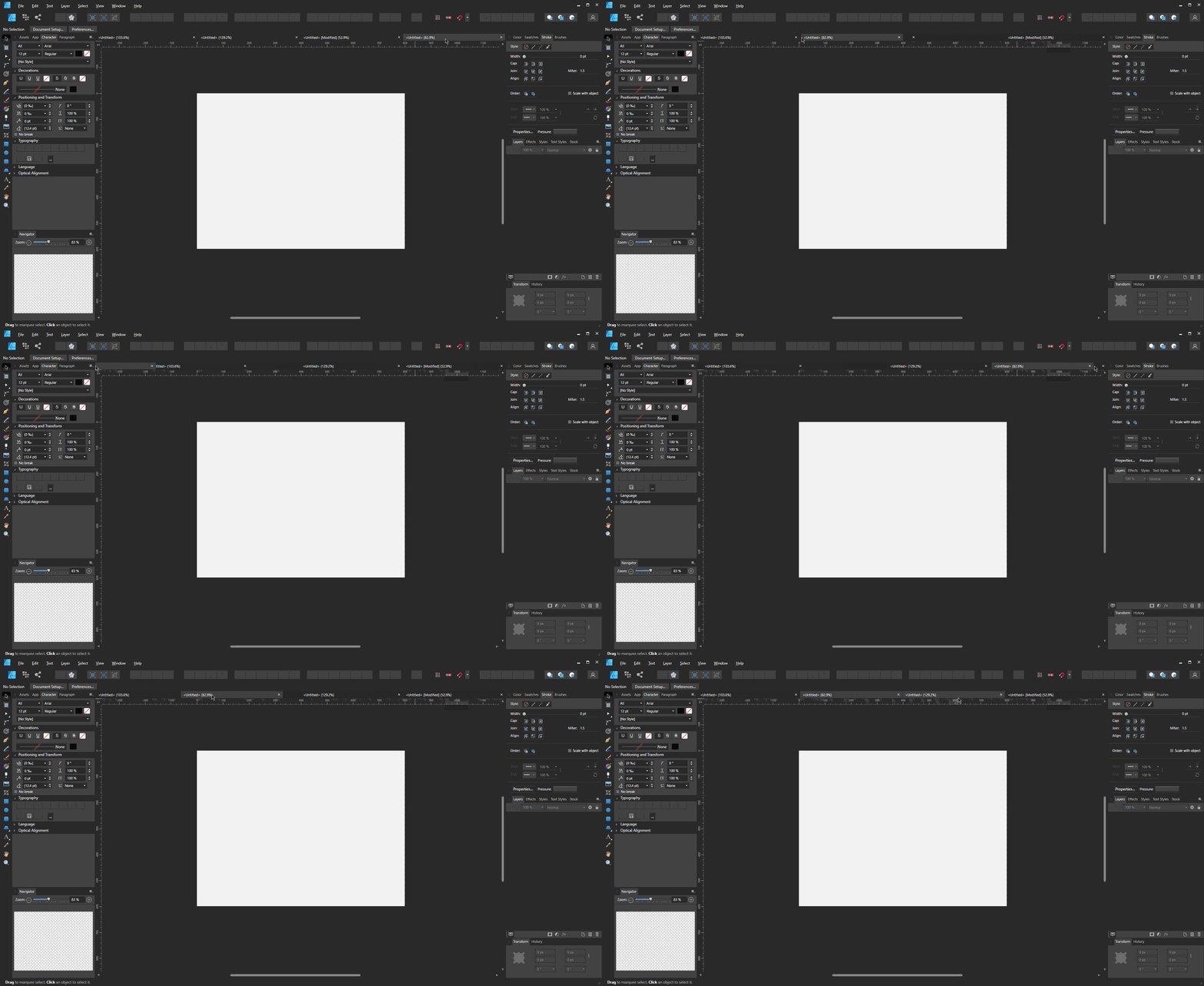
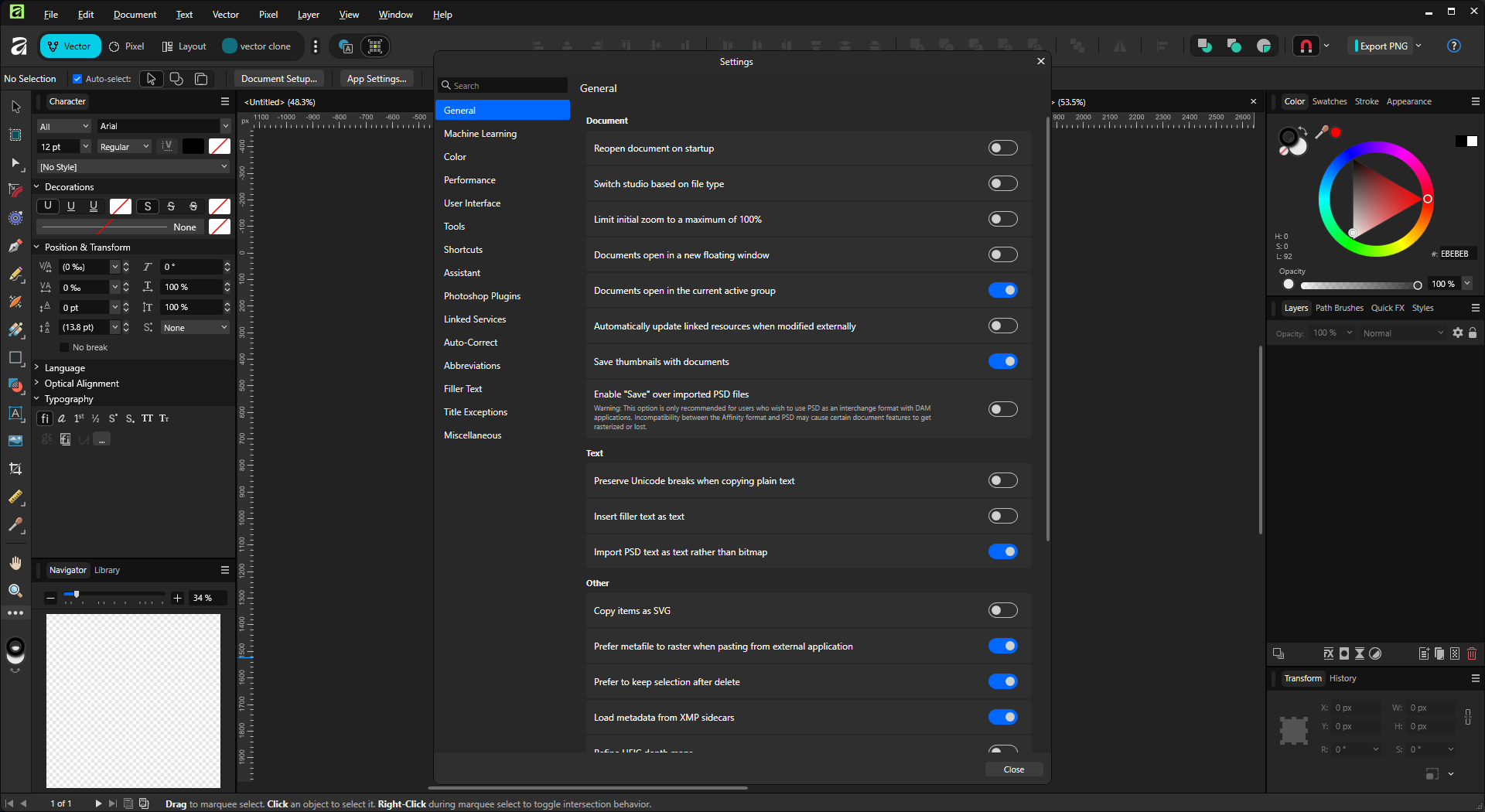
Is your workflow interrupted by file tabs detaching unintentionally? Is the active file tab difficult to find quickly due to low contrast with inactive tabs? Augmentor fixes those issues. It also increases the size of the Affinity V3 settings dialog, reducing the scrolling required for navigation. Additional features are planned and will release periodically, leading up to the official 1.0 version.
While in Beta, Augmentor is available for personal or commercial use. Please try it out and share questions or feedback. If you pay to support the project during the Beta - Thank You! Anyone who pays the intro price (currently $4.99) will receive the full version on release and all future updates for free. Pricing will change when version 1.0 releases.
Wherever possible, V1 and V2 Affinity applications will be supported, providing value to users of the legacy versions as well as the new Affinity V3 (see Compatibility chart below). Furthermore, Augmentor has no subscription or account requirement, no online activation, no data collection, and no forced automatic updates.
FEATURES
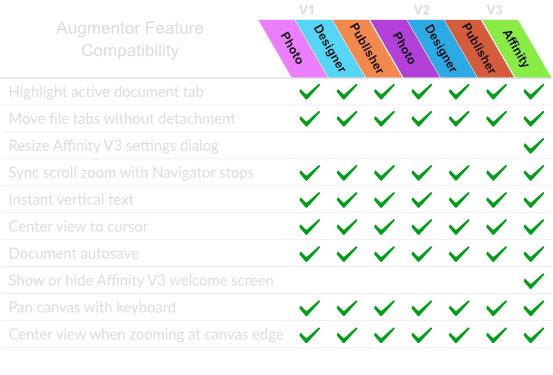
- Current features:
- Highlight active document tab
- Move file tabs without detachment
- Resize Affinity V3 settings dialog
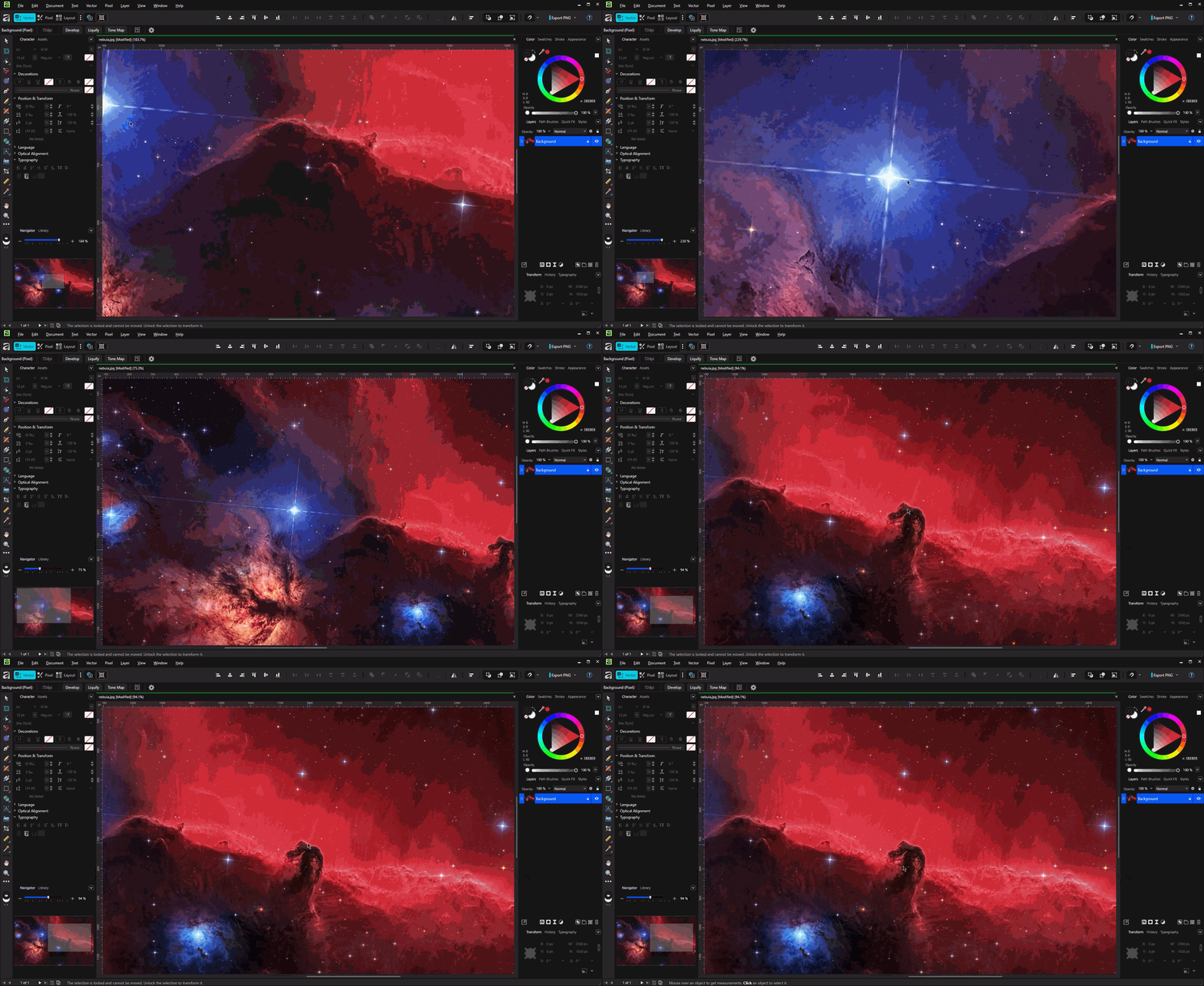
- Sync scroll zoom with Navigator stops
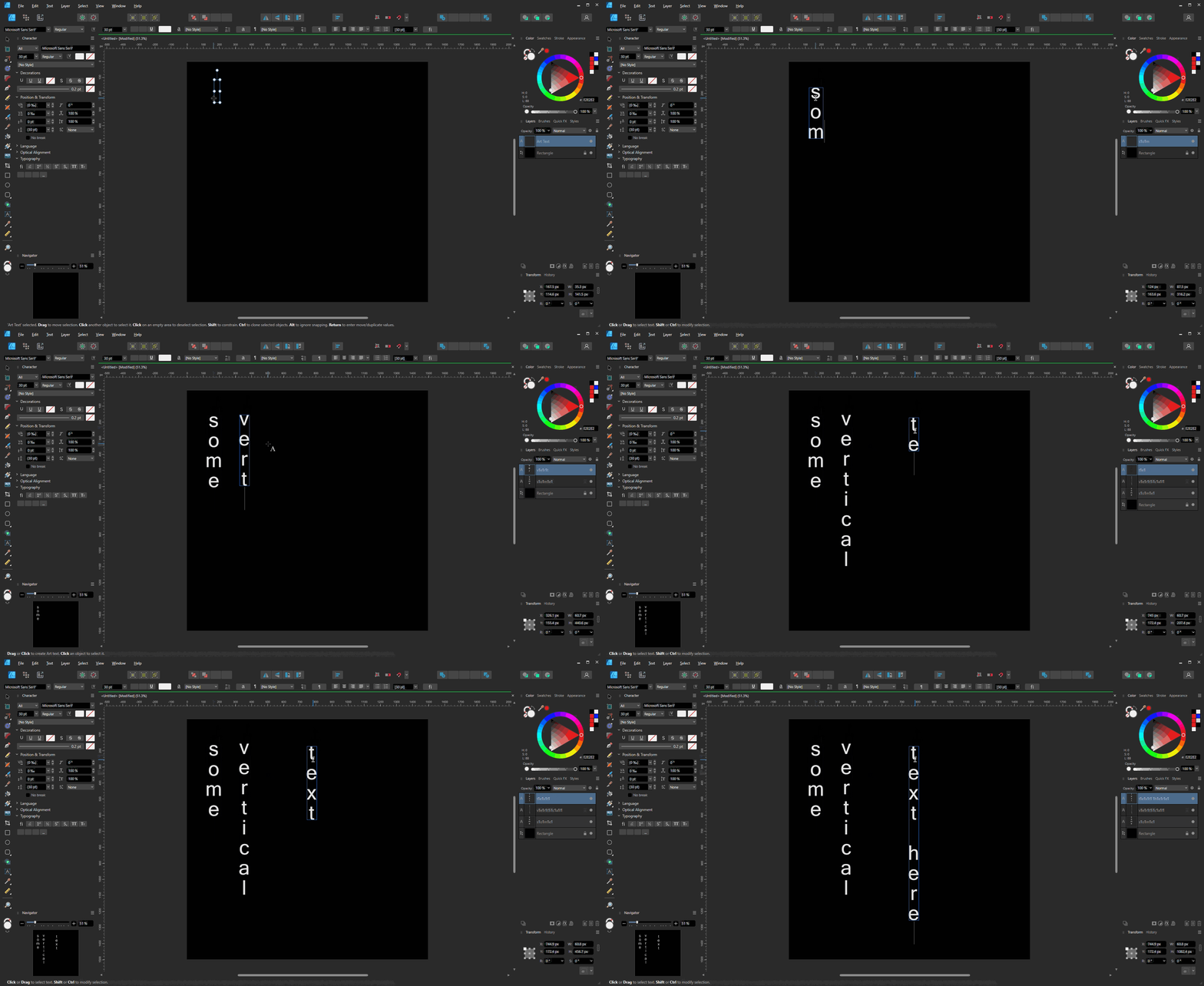
- Instant vertical text
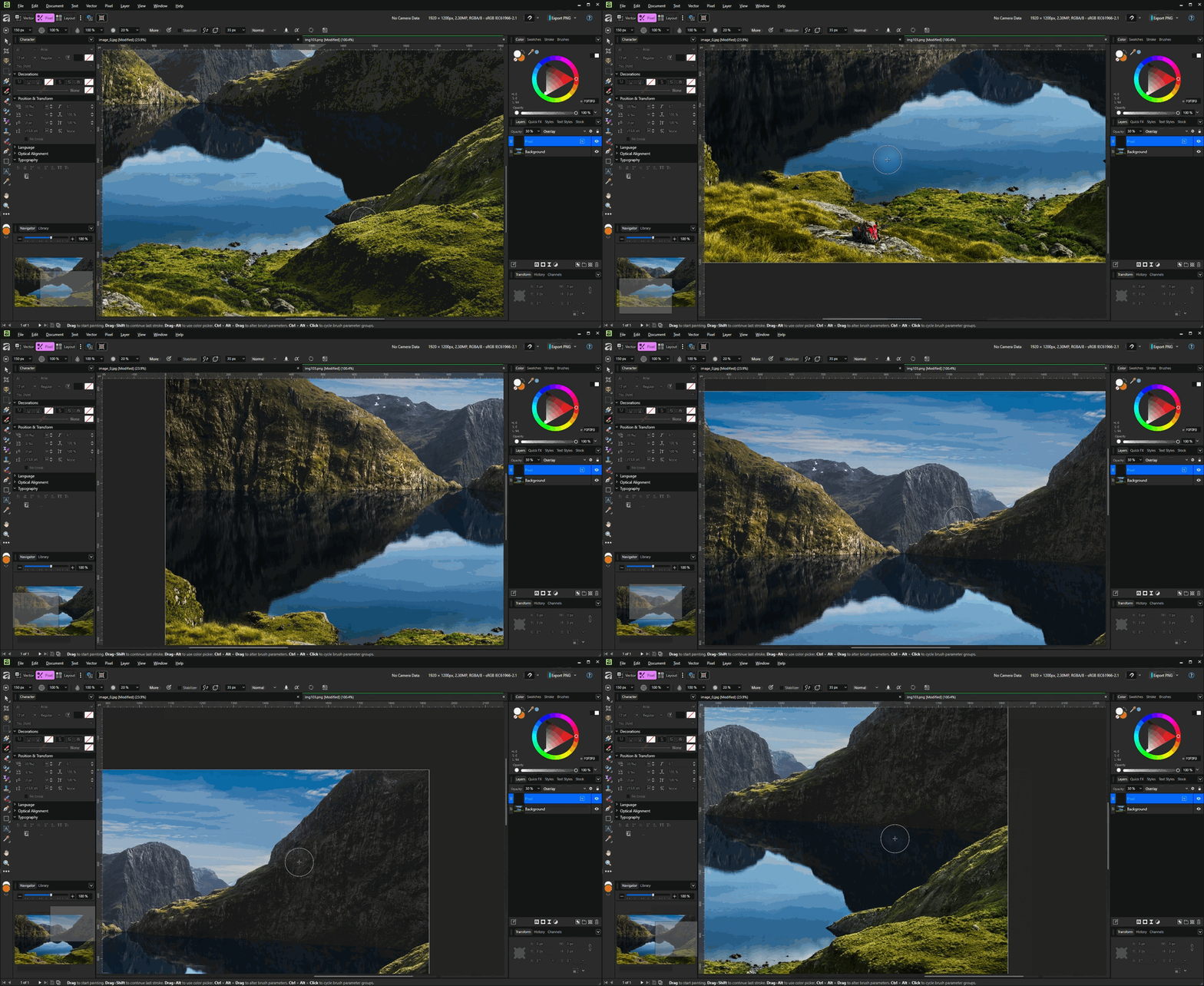
- Center view to cursor
- Document autosave
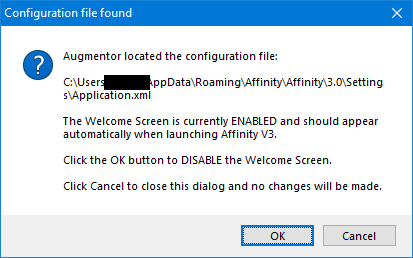
- Show or hide Affinity V3 welcome screen
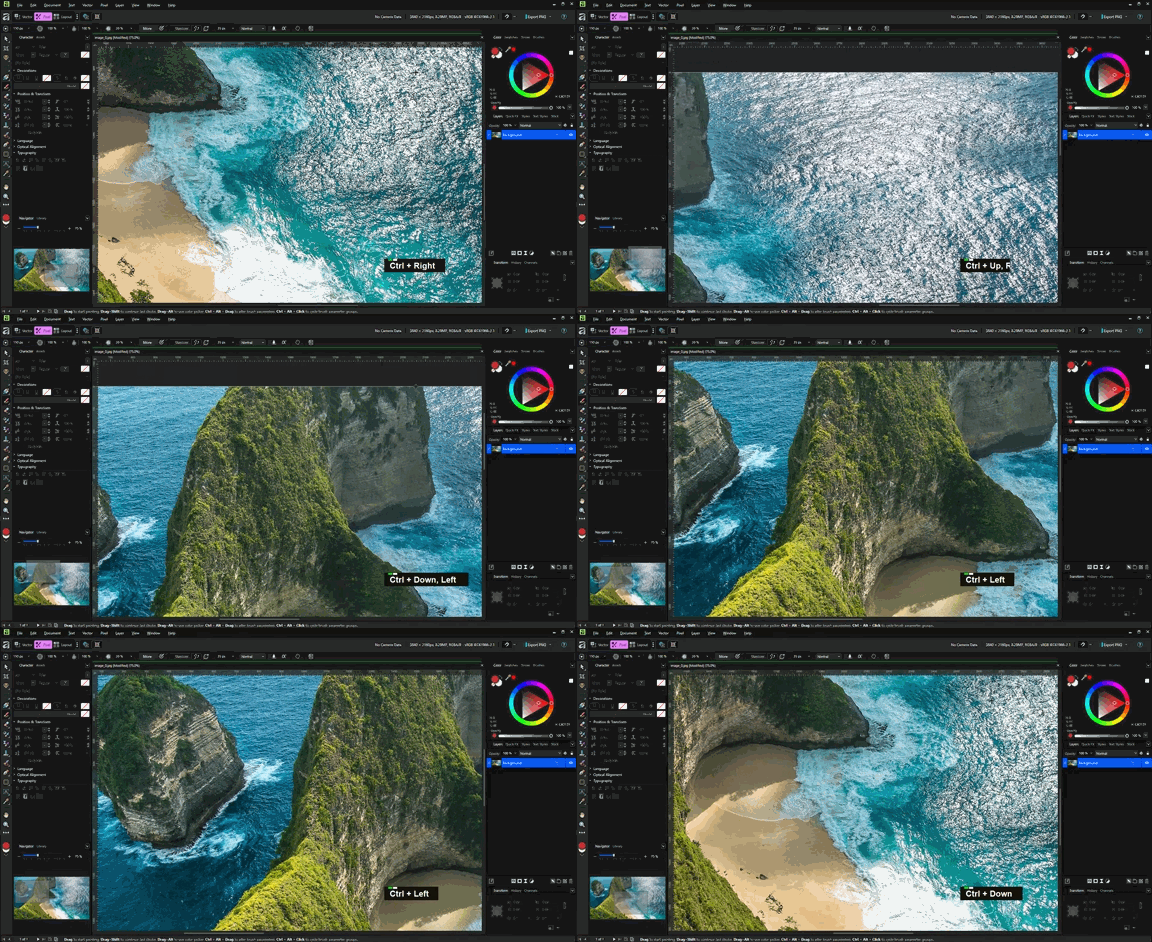
- Pan canvas with keyboard
- Center view when zooming at canvas edge
- Enable/disable each feature independently
- Settings are saved and restored automatically between uses
- Standalone and portable. Augmentor makes no changes to system files, the registry, or any other applications
- Works offline
NOTE: Augmentor is not digitally signed, so you may encounter an 'Unknown Publisher' or AV warning when running the program. If you wish to proceed, setting a manual approval or exception for the program will be the simplest solution. Please see this post for details about AV warnings and false positives.
SYSTEM REQUIREMENTS
- PC running Windows 10/11 x64
- Any Affinity application: Photo/Designer/Publisher (V1 or V2), Affinity V3
- Augmentor has not yet been tested with the MSIX/Windows Store versions of Affinity applications
INSTALLATION, USAGE, & UPDATING
- Manually extract all files from the ZIP archive to desired location. (Recommended directory: C:\Programs\Augmentor\)
- Run Augmentor.exe. Augmentor primarily runs as a background application, with all functions accessible through its system tray icon. Right-click the tray icon to enable and disable features from the Features menu, view the readme file, check for updates, or exit the program.
- See the 'Usage' section of the Readme file for additional instructions.
- See the 'Usage' section of the Readme file for additional instructions.
- To update to a new version, extract the latest ZIP archive over the current installation and overwrite all files. Your settings file will not be affected.
NOTE: Augmentor must have file read/write permissions in the installation folder to save and load settings.
UNINSTALLING
Delete the Augmentor installation folder, all subfolders and files.
NOTE: To preserve your settings, do NOT delete the augmentor_settings.ini file. Copy it to a safe location before removing the program folder.
BETA LICENSE
By using the software, the user agrees to the following terms:
- The author retains all ownership rights to the software.
- The software may be used for commercial or non-commercial purposes.
- The user may not resell or redistribute the software in any form, modified or unmodified.
- The software is provided as-is, without warranty of any kind. The user accepts all responsibility and risks associated with use of the software
RELEASE HASHES
Filename          : Augmentor_0.9.0_Beta.zip
Modified Time     : 3/24/2026 9:49:14 PM
SHA1              : 16630d287c586e23c82341d5faf19176cc733f6d
SHA-256           : 88dd6b761b2dd02538e78d38128380e620fd3b644877f8ca2ffa6ab488754903
Filename          : Augmentor.exe
Modified Time     : 3/23/2026 6:04:20 PM
Product Version   : 0.9.0
SHA1              : 3cfb77fb26ca306e26f6718f44b565a668801779
SHA-256           : 1c55ec7550ff531043d07301d7d80daa93a2aa56a357bb1d65c8e9cf037f629e
Purchase
In order to download this tool you must purchase it at or above the minimum price of $4.99 USD. You will get access to the following files:
Download demo
Development log
- 0.9.0 UpdateMar 25, 2026
- 0.8.5 UpdateMar 12, 2026
- 0.8.0 UpdateFeb 27, 2026
- 0.7.5 UpdateFeb 10, 2026
- 0.7.0 UpdateFeb 04, 2026
- 0.6.5 UpdateJan 31, 2026
- 0.6.0 UpdateJan 24, 2026